From CHF 69 / monthProfessional equipment management
Know where your equipment is, who has it and when it returns.
Inventory, bookings, loans, rentals and maintenance in one app, with a QR scanner on your smartphone. For businesses, schools and rental companies.


- PRICE
- From CHF 69 / month
- IDENTIFICATION
- QR · barcode · NFC
- HOSTING
- EU production · CH standby
- MODULES
- 1 core + 9 add-ons
↳ The dashboard: items, projects, alerts and latest movements.
On video
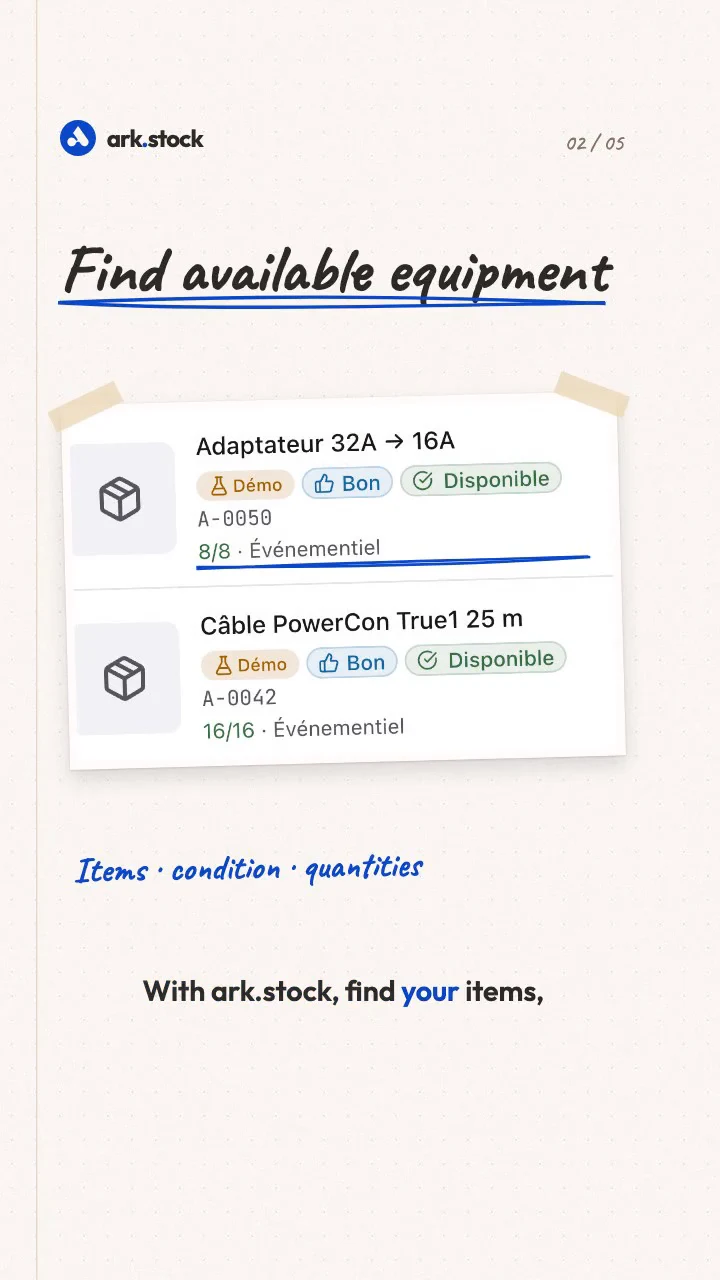
Your equipment, in the right place
An equipment management example: find items, prepare a project, track loans and plan maintenance with ark.stock.
Day to day
The three questions asked about every item
The item record, the calendar and the scanner answer them, without opening a spreadsheet.
Where is it?
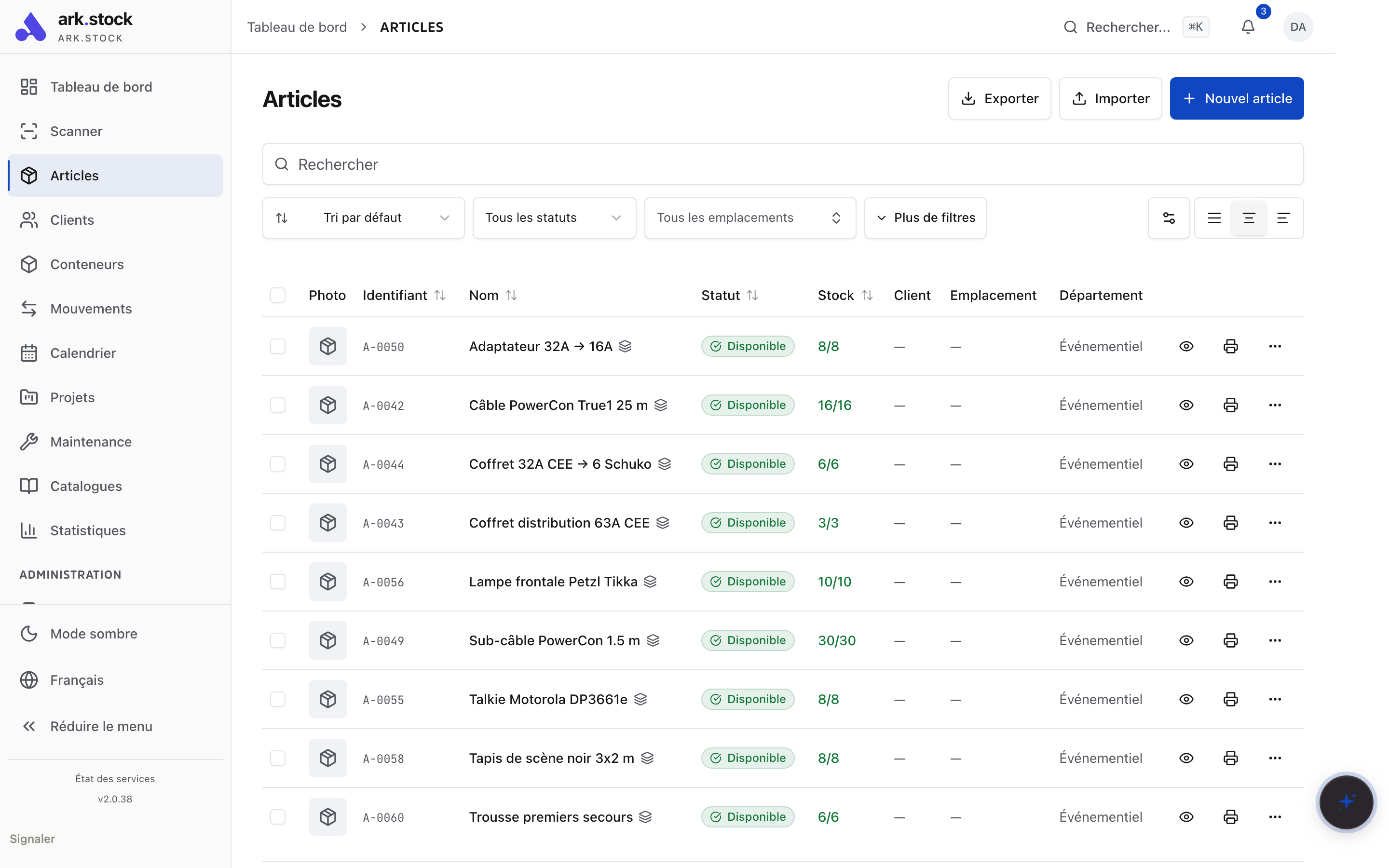
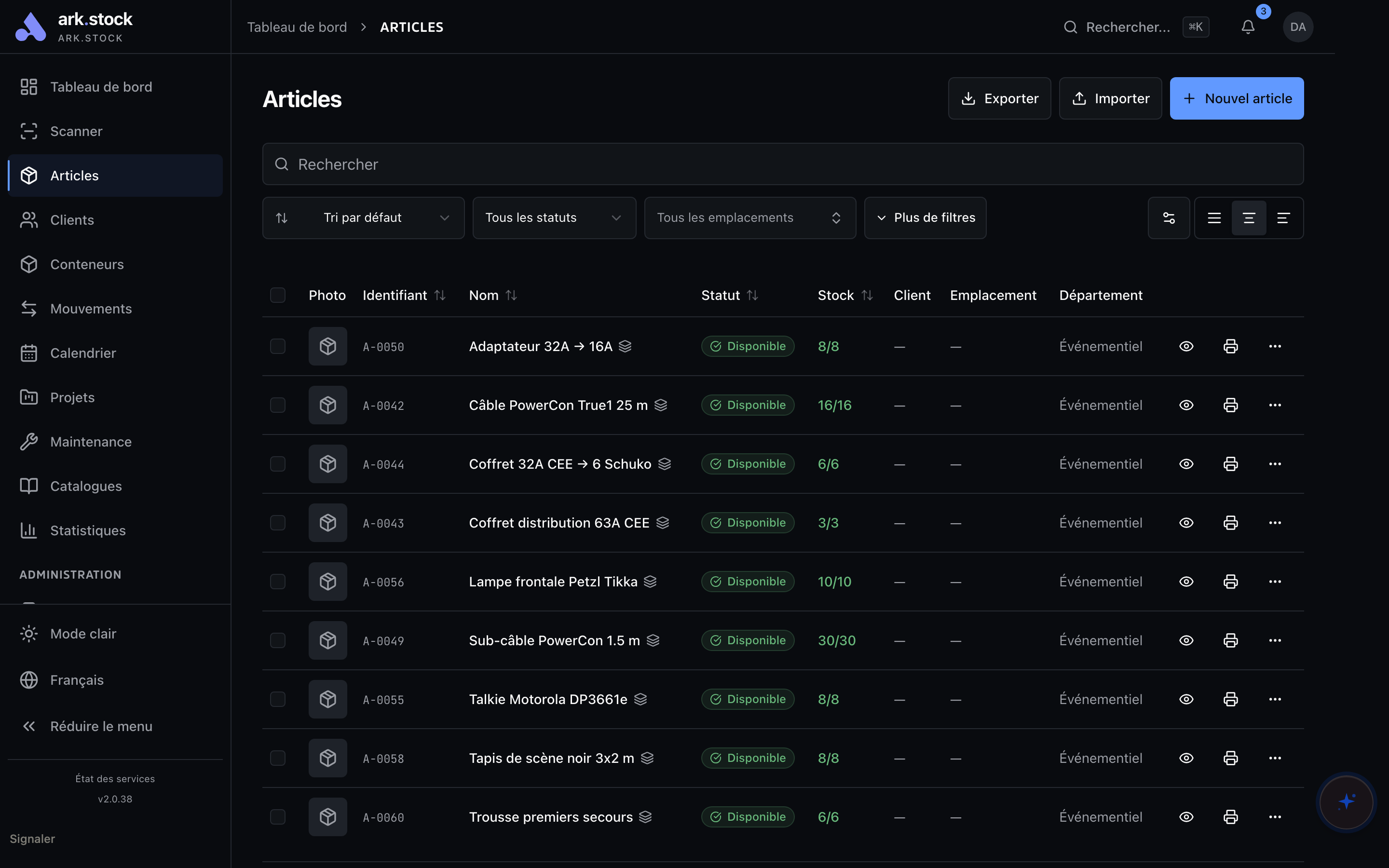
Location, container, condition and history are on the same record. Scanning the QR code opens it.
Is it free on those dates?
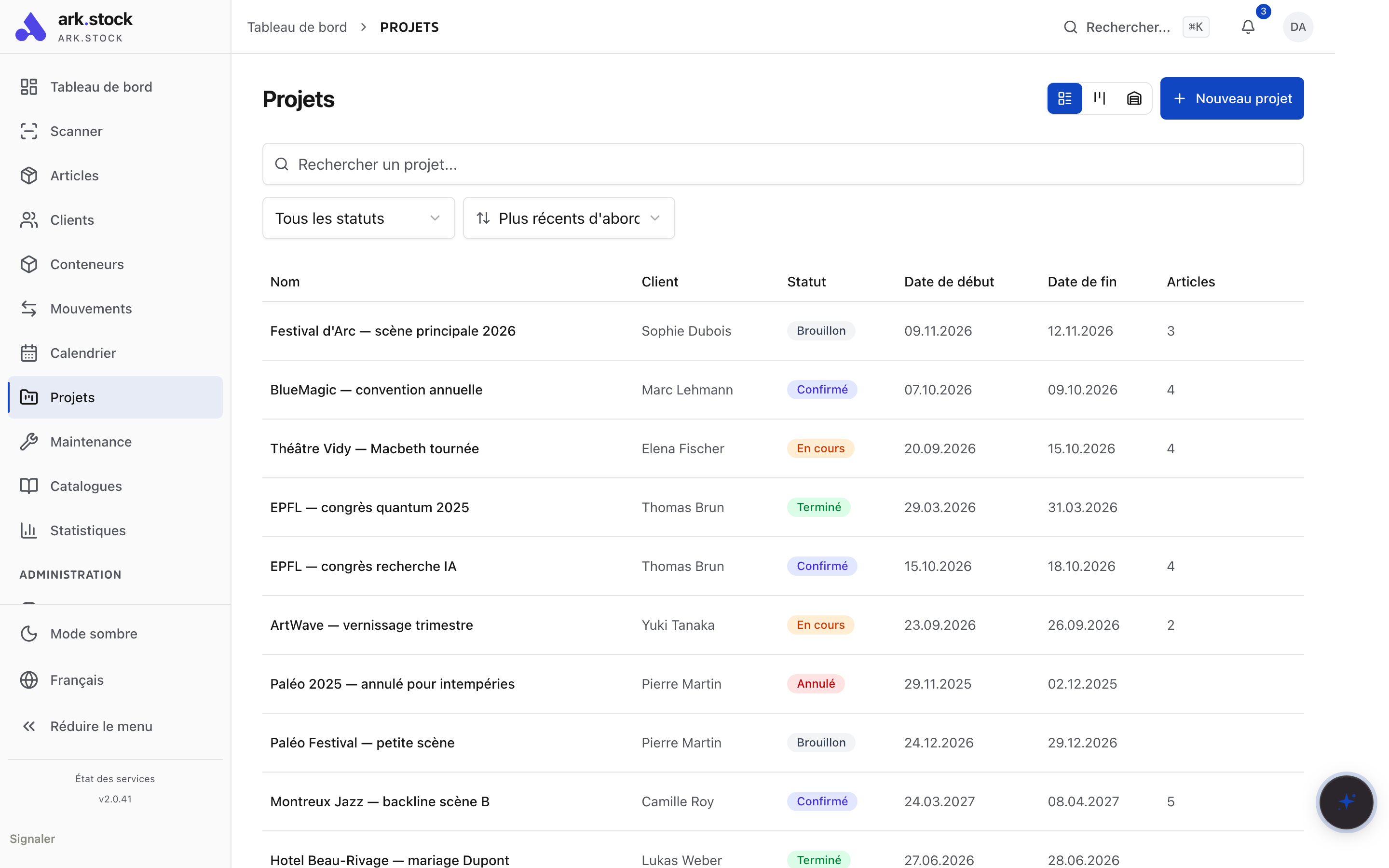
Availability accounts for rental projects and maintenance work that blocks the item.
What condition is it in?
On return, you record its condition: good, worn, damaged or lost. Open a maintenance job if needed.


How it works
Four steps, one inventory
From creating the record to returning equipment to service after repair.


THE PRODUCT IN ACTION
Explore ark.stock before contacting us.
Eleven screens from the app, from item records to statistics.
Demo screenshots; simulated camera and illustrative data.
Open demo · sign-in required(new tab)


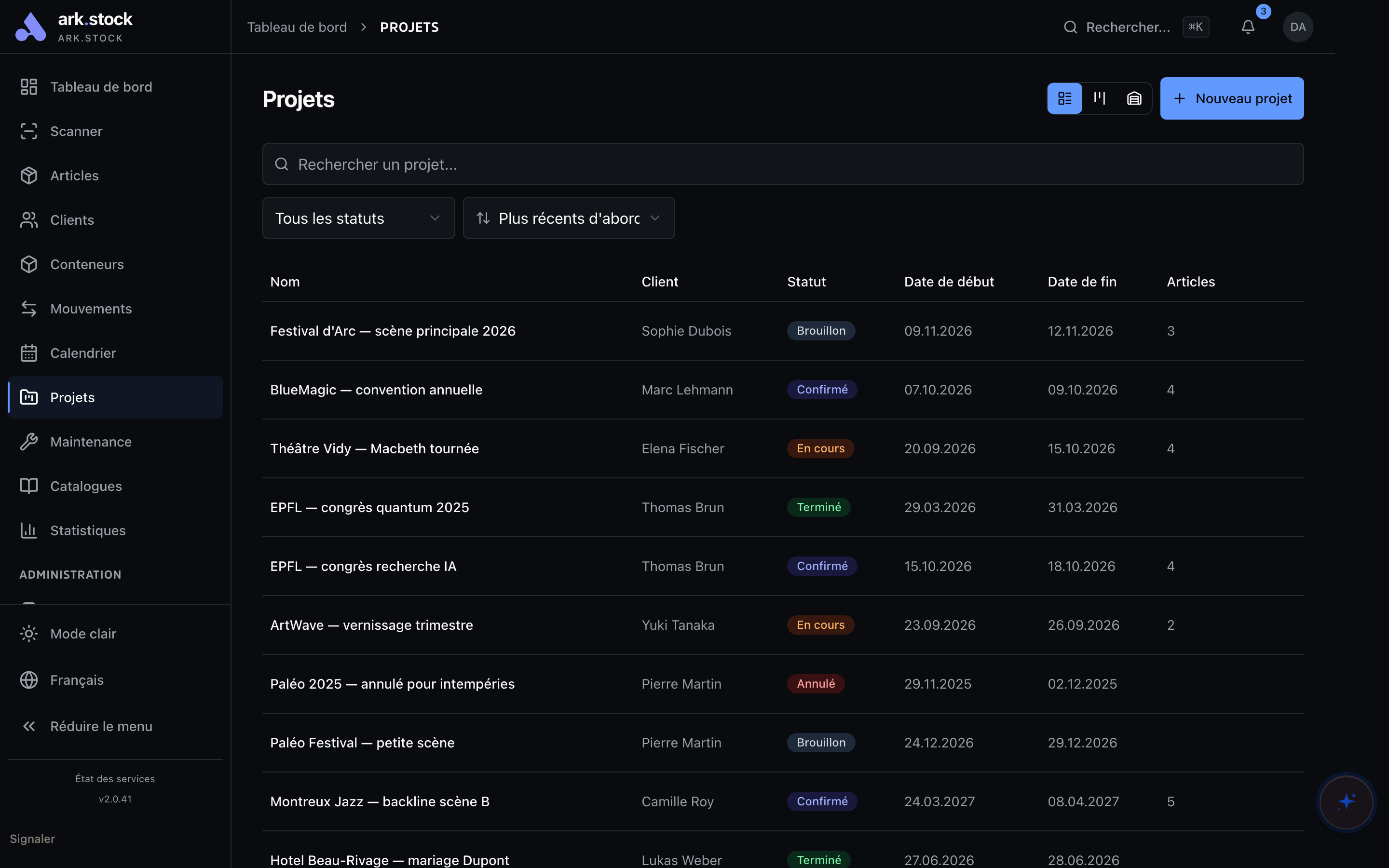
Item list
Identifier, condition, quantity and location of every item. · 01 / 11
Dashboard
Items, projects, alerts and latest movements. · 02 / 11
Rental projects
Period, customer and equipment to prepare for each project. · 03 / 11
Occupancy calendar
Month, week or day: movements, projects and maintenance on one grid. · 04 / 11
Loans and returns
Who borrowed what, and until when. · 05 / 11
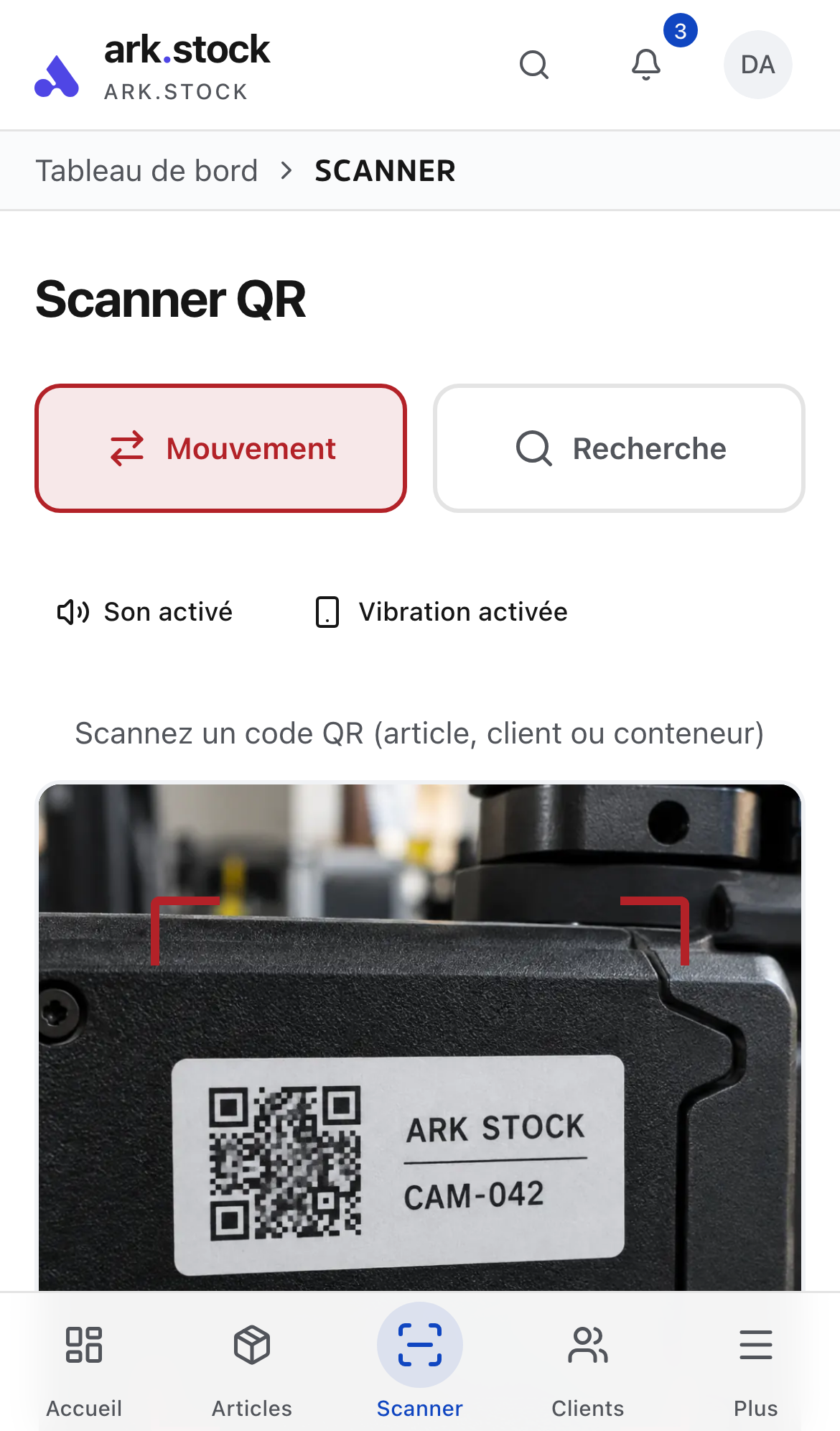
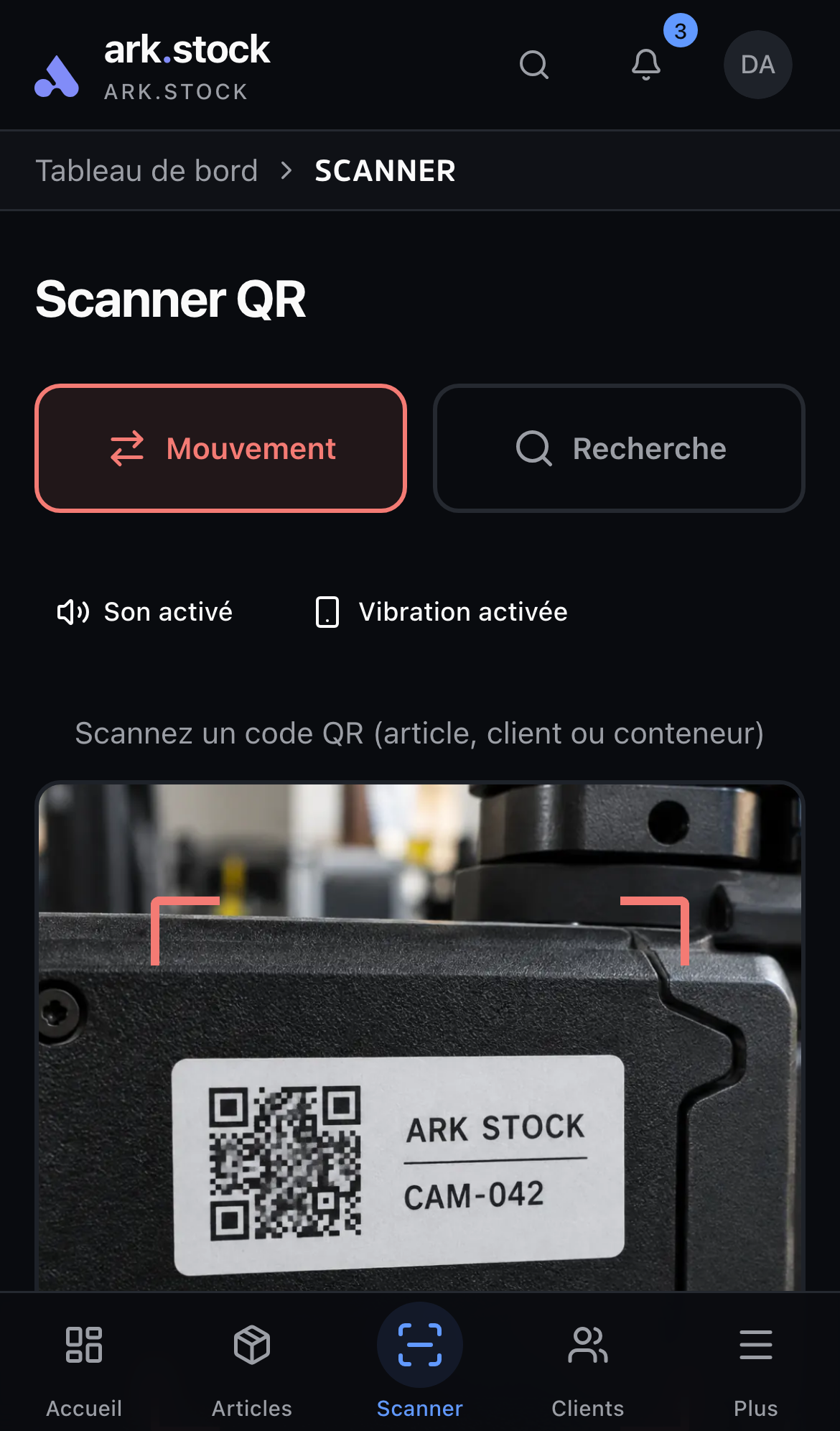
QR scanner
In movement mode, every scan records a handout or return. · 06 / 11
Maintenance
Work in progress, inspections and return to service. · 07 / 11
Rental rates
Daily, weekly and monthly rates, plus deposit. · 08 / 11
Shared catalog
What the person receiving the catalog link sees. · 09 / 11
Data import
CSV or Excel import with column detection. · 10 / 11
Statistics
Utilisation rate, average loan duration and on-time returns. · 11 / 11
On video
Every module on video
Short demos with fictional data, to see each module in action.
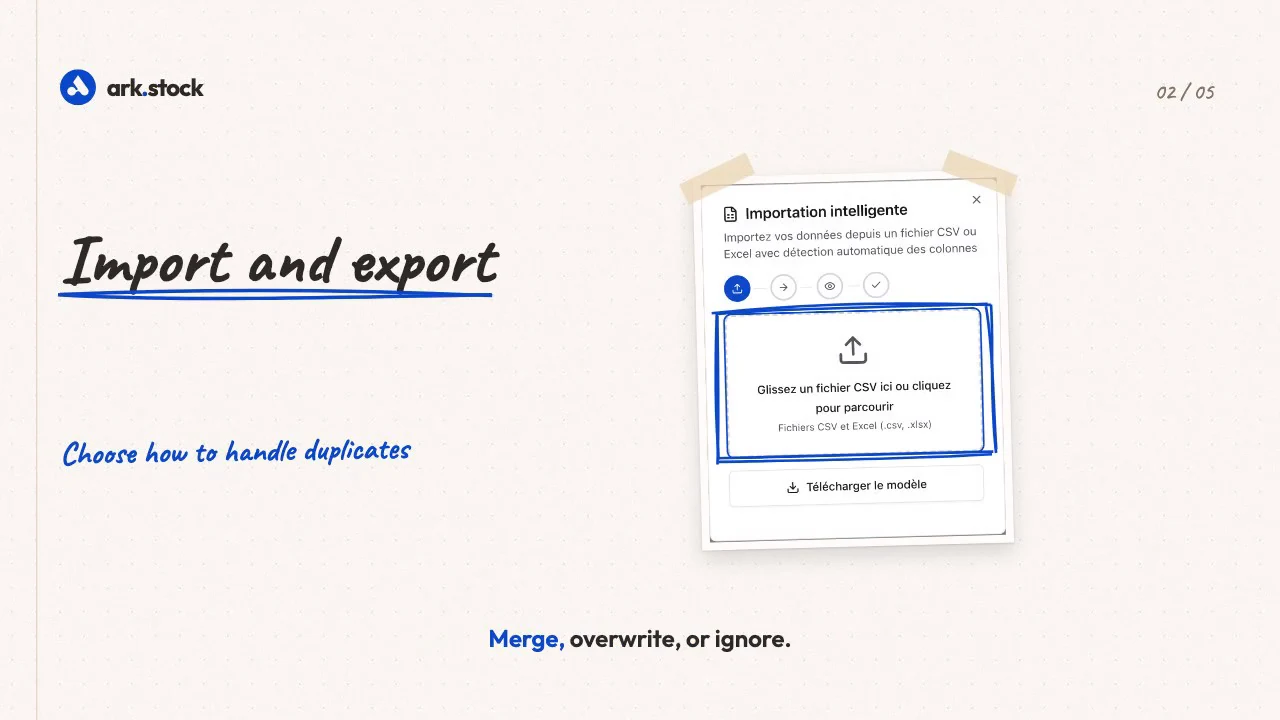
Import your spreadsheets with column detection, track items by unit or by batch, and approve AI-completed item details.
MODULES
Inventory, then nine modules for your work
Starter includes nine, Enterprise adds maintenance. Each module matches a task: lending, renting, repairing, scanning…
Starter + EnterpriseEnterprise


Industries
Examples by industry
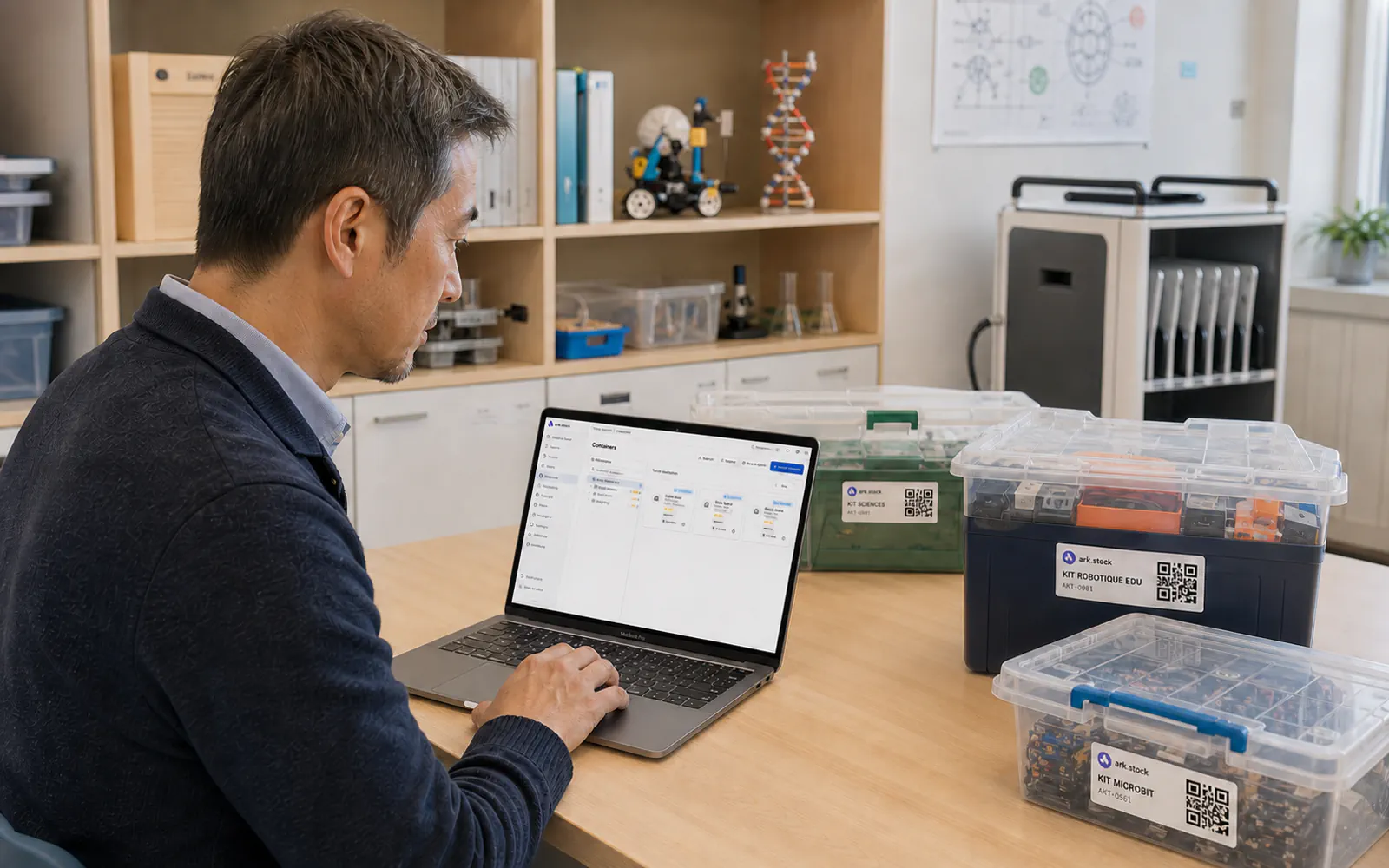
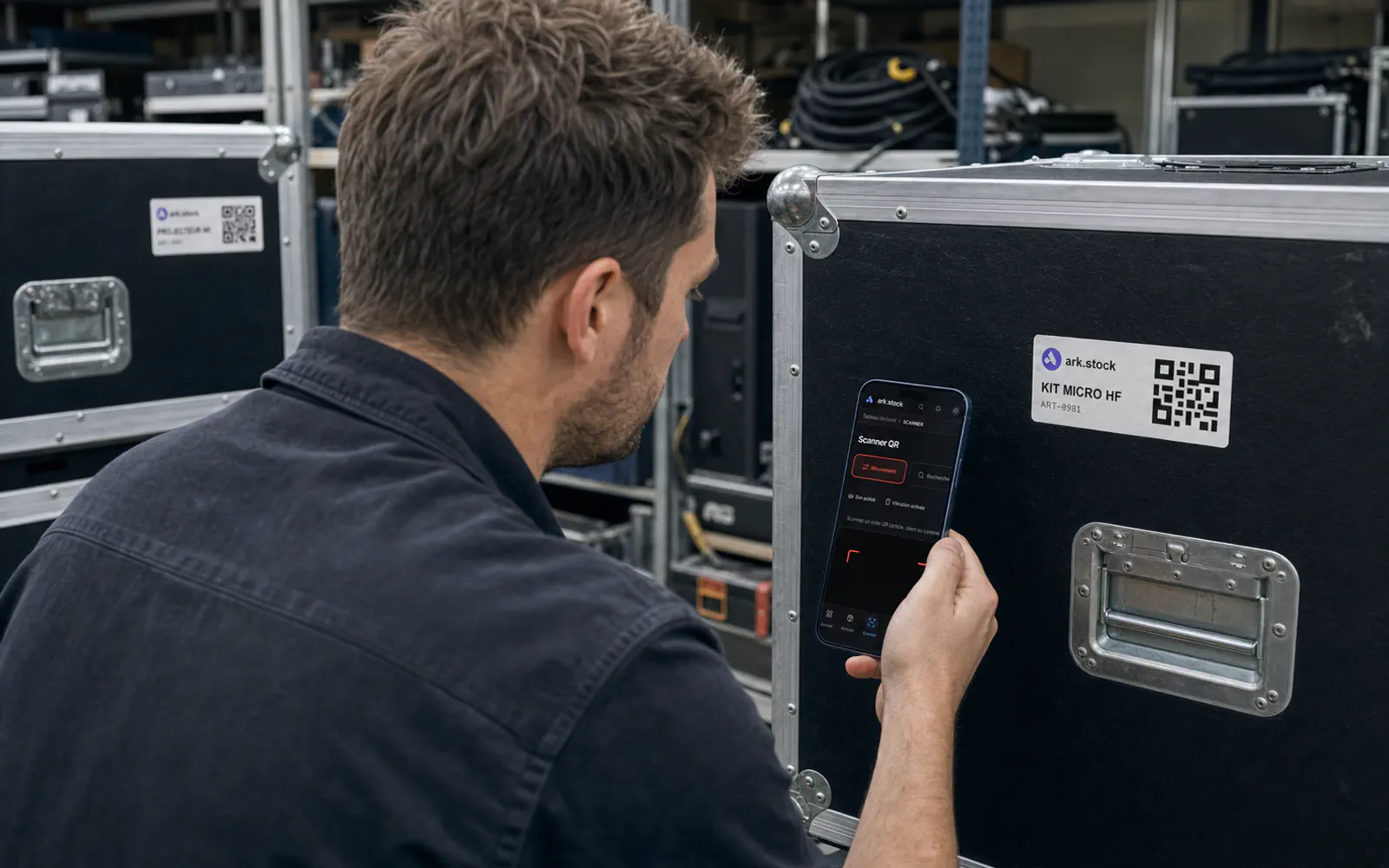
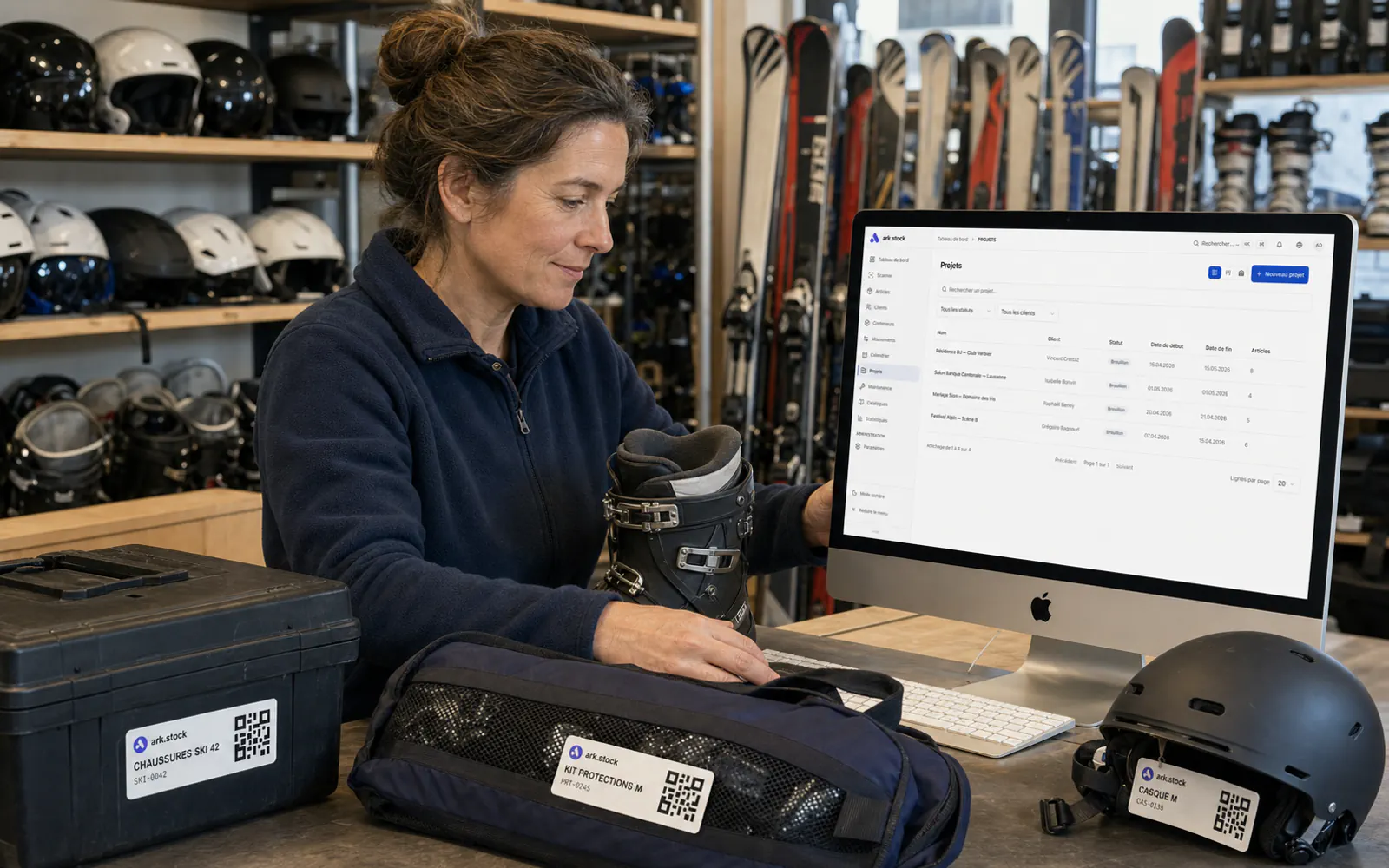
IT, schools, events, sports rental: what each team tracks in ark.stock.
All industries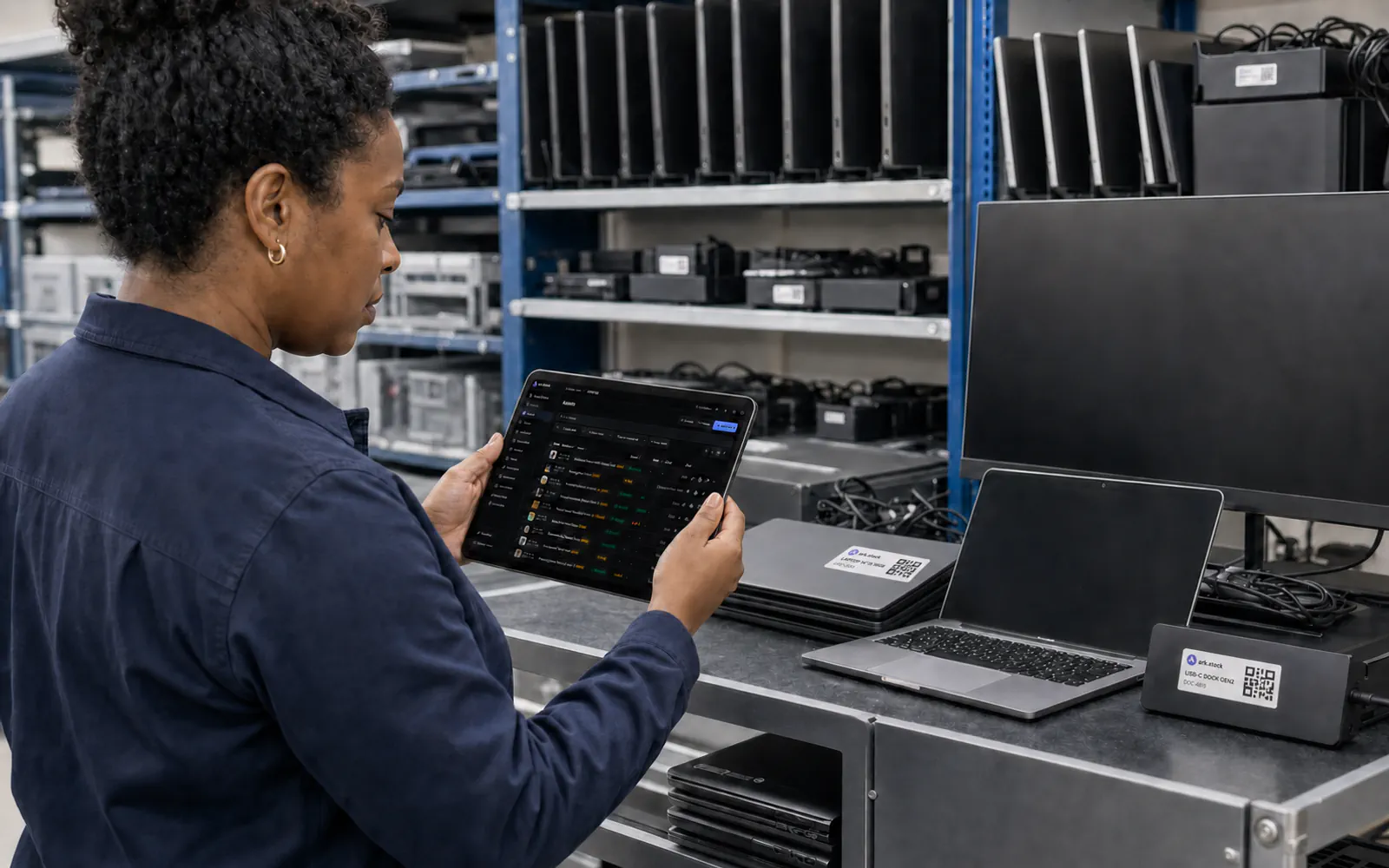
ENTERPRISE · CUSTOM
Adapt ark.stock to your processes.
With Enterprise, we build the screens, documents or connections your team needs.
The Enterprise subscription covers the standard product. Approved development hours are billed on top.
Discuss your needs01 · Need
Together, we describe the need, the users involved and the expected result.
02 · Quote
You receive the feasibility and number of hours in a separate quote.
03 · Development
We build and test the approved changes.
04 · Follow-up
We remain your contact after launch.
FROM CHF 69 / MONTH
Two plans, from CHF 69 per month
Starter includes nine modules, with unlimited users. Enterprise adds maintenance, a dedicated instance and custom work.
STARTER · THE FOUNDATION
CHF 69 / month · excluding taxCHF 690 / year · excluding tax
or CHF 690 / yearor CHF 69 / month
Inventory, lend and rent out.
Nine modules, including loans, rental projects and rates. Unlimited users, 1 GB of files included. Your data in a separate database, never shared.
Inventory · Containers · Loans and returns · Rental projects · Rental pricing · Catalogs · Import and export · Scanner · Statistics
Request this planENTERPRISE · ALL OF ARK.STOCK
CHF 149 / month · excluding taxCHF 1’490 / year · excluding tax
or CHF 1’490 / yearor CHF 149 / month
The whole team, maintenance included.
All of Starter, plus maintenance, electronic signature and ZPL label printing. Dedicated instance, hostable in Switzerland on request. Optional custom development, billed by the hour.
Every module: Inventory · Containers · Loans and returns · Rental projects · Rental pricing · Maintenance · Catalogs · Import and export · Scanner · Statistics
Request this plan
Starter covers inventory, loans, rental projects, rates, scanning and catalogs, with unlimited users. Enterprise adds maintenance, electronic signature, a dedicated instance and custom work.
No. It requires Enterprise and is billed by the hour, on a separate quote.
No. QR codes and barcodes are read with the smartphone camera. NFC depends on the phone and browser.
In Vienna (Austria, European Union), with a standby copy and backups in Switzerland. Your data sits in a separate database of its own. An Enterprise instance can be hosted in Switzerland on request.
QUOTE REQUEST
Get a proposal for your equipment.
Describe your equipment and how you work. We reply with a priced proposal.